Ram speed and latency for gamers: what actually moves your frames
Two DDR5 kits sit on the same shelf at the same price. One is DDR5-6000 CL30, the other DDR5-7200 CL40. On the box, the second one looks faster. In your game, the first one usually wins. That gap between "looks faster" and "is faster" is where most gaming RAM advice falls apart, and it's why I want to show you the math instead of selling you a frequency number.
Every week or so someone in a Discord I hang around posts a benchmark screenshot and asks why their new 7200 kit didn't beat their old 6000 one. The answer is almost never the memory itself. It's the relationship between speed, latency, and the controller inside the CPU that has to keep up with both.
Key Takeaways
- Real latency is a formula: CAS latency × 2000 ÷ data-rate, measured in nanoseconds. Frequency alone tells you nothing about response time.
- DDR5-6000 CL30 lands at 10 ns; DDR5-5600 CL36 sits near 12.9 ns. That difference shows up in frame times more than in average FPS.
- For gaming, the useful target in DDR5 is roughly 10 ns or lower. Below that, you pay a lot for very little.
- Speed upgrades help most when the CPU is the bottleneck: 1080p competitive shooters, simulation, strategy. At 4K, your GPU is the wall and RAM barely matters.
- Enable XMP or EXPO before you buy anything. An unconfigured kit running at JEDEC defaults is the single most common self-inflicted mistake I see.
Speed vs latency: the two numbers that fight each other
Memory speed is a transfer rate. DDR5-6000 moves 6000 million transfers per second. Latency is how long you wait before the first transfer shows up. These two things pull in opposite directions, because pushing frequency higher usually forces the manufacturer to loosen the timings to keep the sticks stable.
The only formula you need
CAS latency is expressed in clock cycles, which is useless on its own. Convert it:
Real latency (ns) = CAS latency × 2000 ÷ data-rate
Run the numbers on a few common kits and the marketing collapses fast.
| Kit | CAS latency | Real latency |
|---|---|---|
| DDR5-5600 CL36 | 36 cycles | ~12.9 ns |
| DDR5-6000 CL30 | 30 cycles | 10 ns |
| DDR5-6400 CL32 | 32 cycles | 10 ns |
| DDR5-7200 CL40 | 40 cycles | ~11.1 ns |
| DDR4-3200 CL16 | 16 cycles | 10 ns |
Look at that last row again. DDR4-3200 CL16 hits the same 10 ns as DDR5-6000 CL30. The generational jump bought bandwidth, not response time. I've watched people "upgrade" from a tuned DDR4 kit to an entry DDR5 kit and gain almost nothing in their favorite game, then blame the platform.
Why nanoseconds beat megahertz
Games are latency-sensitive in a specific way. They constantly read small chunks of data scattered across memory, and each read has a cost. Higher frequency shortens the gap between transfers. Lower latency shortens the wait before the first one. When you're chasing smooth frame pacing, that wait is what produces the stutter you feel even when the average FPS counter looks fine.
So the honest hierarchy for a gamer is: get your latency to a sensible floor, then add bandwidth if your CPU can use it. Not the other way round.
What is a good RAM latency for gaming?
Around 10 ns or lower is the practical target on DDR5. That means DDR5-6000 CL30, DDR5-6400 CL32, or anything that computes to single-digit or low-double-digit nanoseconds. Kits like DDR5-6000 CL36 (~12 ns) still game perfectly well, they just leave a little on the table in CPU-heavy titles.
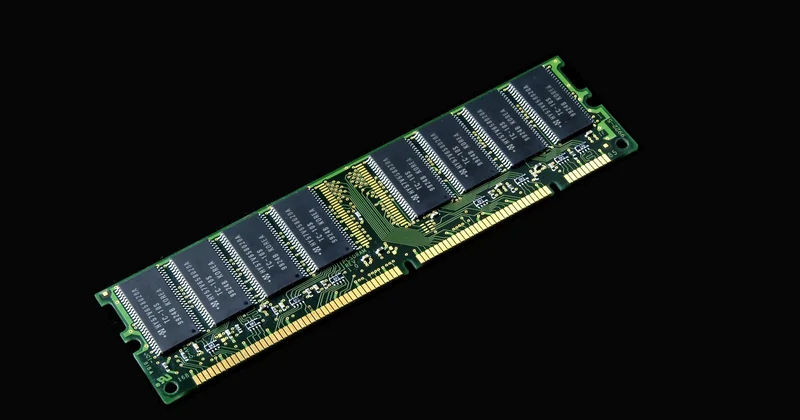
On DDR4, the classic sweet spot was DDR4-3200 CL16 or DDR4-3600 CL16, both landing at or near 10 ns. That guidance held for years and it still holds if you're on an older platform.
Does the difference actually show up on screen?
Here's where I have to be straight with you, because the internet oversells this. Moving from a sloppy 12.9 ns kit to a tight 10 ns kit in a CPU-bound shooter gave me frame time improvements I could measure in monitoring tools and feel in 1% lows, but the average FPS moved by a handful of percent. Not 20%. Not 30%.
The place it does bite is consistency. A tight kit smooths out the worst frames. That's the difference between a game that feels locked and a game that feels mostly locked with occasional hitches. If you play competitively, that consistency is the whole point.
What I would not do is pay a large premium for 8 ns. The cost curve gets steep and the returns flatten hard.
Is 30 or 36 CAS latency better?
Lower is better, all else equal. CAS 30 beats CAS 36 at the same frequency because it waits six fewer cycles before responding. At 6000 MT/s, that's the difference between 10 ns and 12 ns, which is meaningful but not dramatic.
But the premise has a trap in it. CAS 30 and CAS 36 are only comparable when the frequency matches. A DDR5-6400 CL32 kit delivers the same 10 ns as the DDR5-6000 CL30 kit, and on some CPUs the higher frequency gives you extra bandwidth on top. Comparing raw CAS numbers across different speeds is how people talk themselves into bad purchases.
The ceiling nobody mentions
Your CPU's memory controller has a limit. Push frequency past what the controller handles cleanly and it falls back to a slower ratio, which can make a "faster" kit perform worse than a modest one. On the AMD side, the fabric clock ratio means the DDR5-6000 range has historically been the calm water. On Intel, higher kits sometimes stretch further. This isn't universal advice, it's a "check your specific platform" situation, and I've lost an afternoon to exactly this mistake before.
My position: buy the tightest latency you can get at a frequency your platform officially supports. Don't buy the highest frequency and hope the timings sort themselves out.
What does 40 40 40 77 mean in RAM?
That string is your primary timing set, written as tCL-tRCD-tRP-tRAS. Each number is a count of clock cycles for a specific operation.
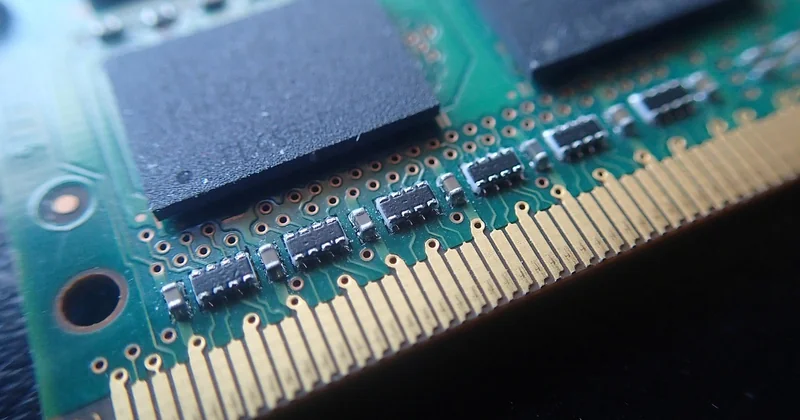
- 40 (tCL): CAS latency, the wait before data is delivered. This is the one that matters most in the formula above.
- 40 (tRCD): the delay between activating a row and reading from it.
- 40 (tRP): how long it takes to close one row before opening another.
- 77 (tRAS): the minimum time a row stays open. This one is looser and less critical for gaming.
A kit labeled 40-40-40-77 is a fairly relaxed set, typically paired with a high frequency to keep the sticks stable. The first 40 is what you plug into the latency formula. The other three shape how efficiently the memory moves between rows, which is exactly what a game does when it jumps around a large world.
Secondary and tertiary timings: the hidden layer
Primary timings get printed on the box. Secondary and tertiary timings mostly don't, yet they influence gaming performance noticeably. On DDR5, certain sub-timings control how the memory handles back-to-back requests, and tightening them can do more for 1% lows than nudging the primary CAS number.
This is enthusiast territory. It takes hours of stability testing, and an unstable overclock will crash your game at the worst possible moment. I've done it, and I've also reverted it after a random reboot mid-match. If you want to explore it, use a proper memory stress test and accept that it's optional polish, not a required step.
Is 40 ms latency good for gaming?
No, but you're probably confusing two different things, and this is the most common mix-up I see. RAM latency is measured in nanoseconds. Network latency is measured in milliseconds. 40 ns is a slow-ish RAM kit. 40 ms is network lag, and it's a completely different problem.
A 40 ms network round trip is playable for most genres but noticeable in fast competitive shooters. Whether it's acceptable depends on your ping to the server, not on your memory. Adjusting your RAM timings will never fix a 40 ms ping.
The only place the two concepts overlap is in perceived responsiveness. A stuttering game from bad memory can feel laggy even at low ping, and a smooth game at 40 ms ping can still feel fine. They're separate dials.
Wiring it up: the steps that actually matter
Before you spend money, confirm what your current kit is doing.
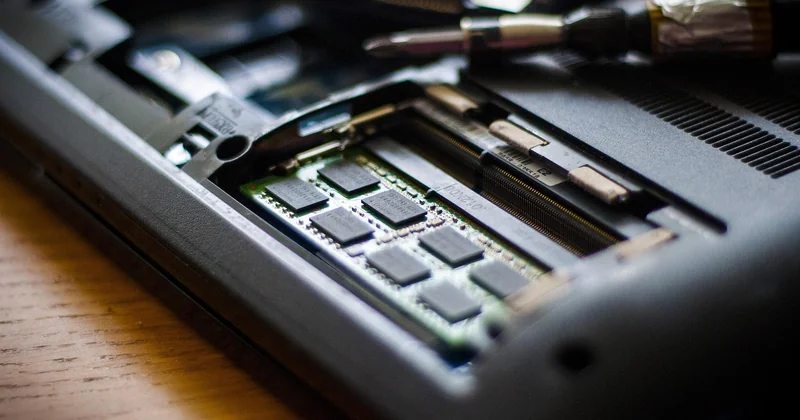
- Boot into BIOS and check whether XMP or EXPO is enabled. Many systems ship with memory running at conservative defaults, far below its rated speed.
- Verify the rated speed and timings are actually applied. A kit rated for DDR5-6000 CL30 running at DDR5-4800 CL40 is a real and frequent situation.
- Check your CPU's officially supported memory frequency before buying anything faster.
- If you overclock, stress-test with a dedicated memory tool and watch for errors over a long session, not five minutes.
That first step alone has fixed "slow RAM" complaints for people more often than any purchase. It costs nothing and takes two minutes.
The number on the box isn't the number that matters
If you take one thing from all this, take the formula. Latency in nanoseconds tells you how the kit will actually respond, and frequency is only half the story. For gaming in 2026, aim for roughly 10 ns, pick a frequency your CPU handles cleanly, and don't chase the biggest number on the shelf.
The real question worth asking isn't which kit is fastest. It's whether your CPU is even the bottleneck in the games you play. Answer that first, and the RAM decision makes itself.